
Smart cameras for business
Sharp footage, AI alerts, and remote access. UniFi cameras, designed and supported by Macro State.

Cameras that actually help
Most camera systems give you grainy footage, endless playback, and alerts that don't tell you anything. We design UniFi camera systems that show you what matters, when it matters, and let you check in from anywhere. Smart, reliable security that works the way you do.
The smarter way to secure your business
Cameras that scale with your business, work with what you've got, and let you focus on what's important.
AI-Powered Detection
Smart alerts for people, vehicles, and key events. Less noise, more signal.
Crystal Clear Footage
High-resolution video that captures detail, day or night. No more grainy stills.
Remote Access
Check live feeds and review footage from your phone, tablet, or desktop. Anywhere.
Smart Detection Zones
Set custom zones to capture only what matters. Less storage, fewer false alerts.
Local Storage
Footage is stored locally on a UniFi NVR, protecting privacy.
Privacy Controls
Mask sensitive areas and set retention rules to stay compliant and respect privacy.
Built to Scale
Add cameras and locations as your business grows. Manage them all from one app.
No Licence Fees
Buy your cameras once and own them. No per-camera subscriptions or recurring cloud fees.
The cameras we trust
Reliable, business-grade cameras designed for clear footage in any environment. Below are the most commonly installed UniFi cameras we use to power our deployments.
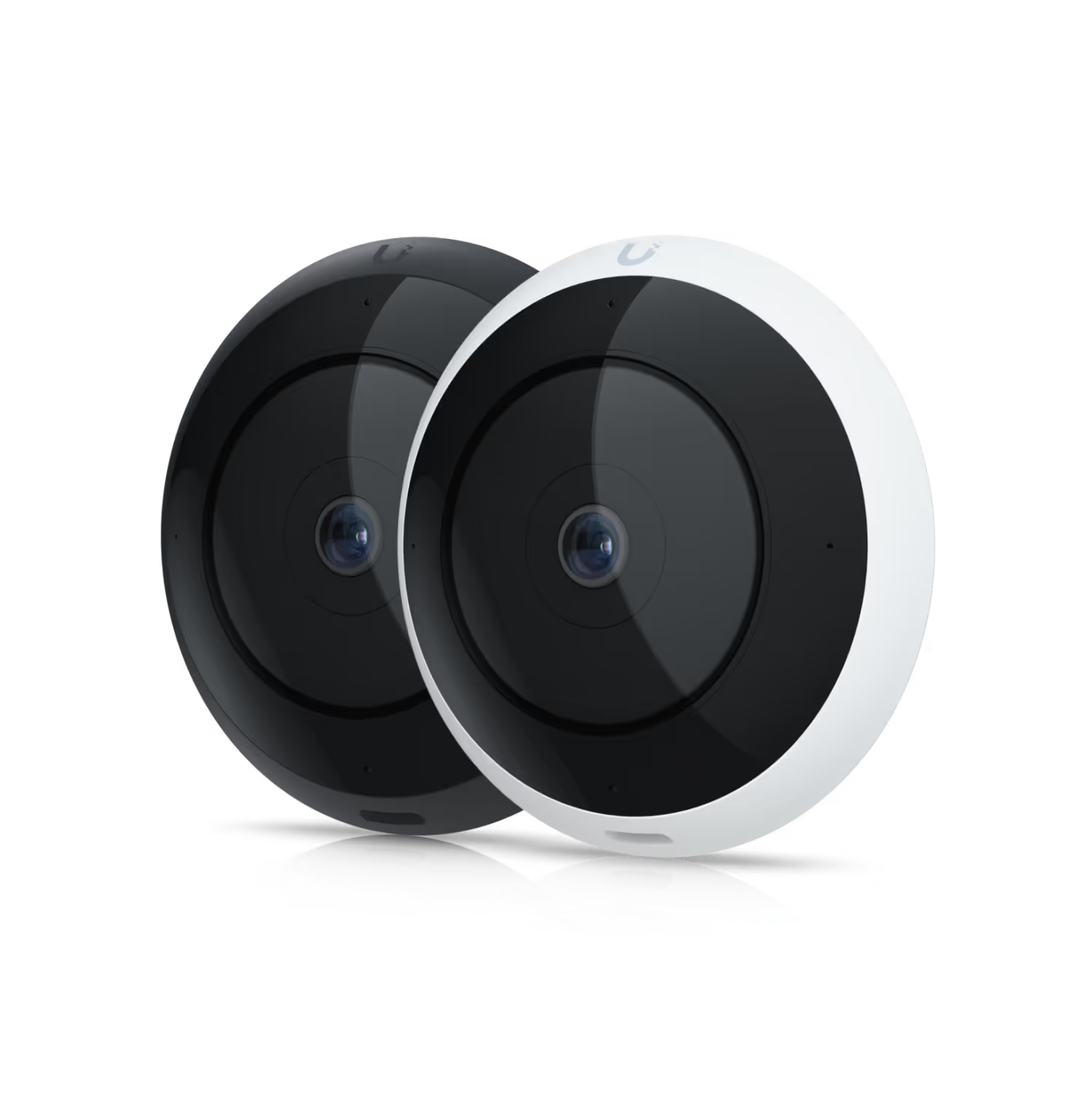
UniFi UVC-AI 360°
360° panoramic coverage with AI detection — ideal for warehouses, entries, and large open spaces.
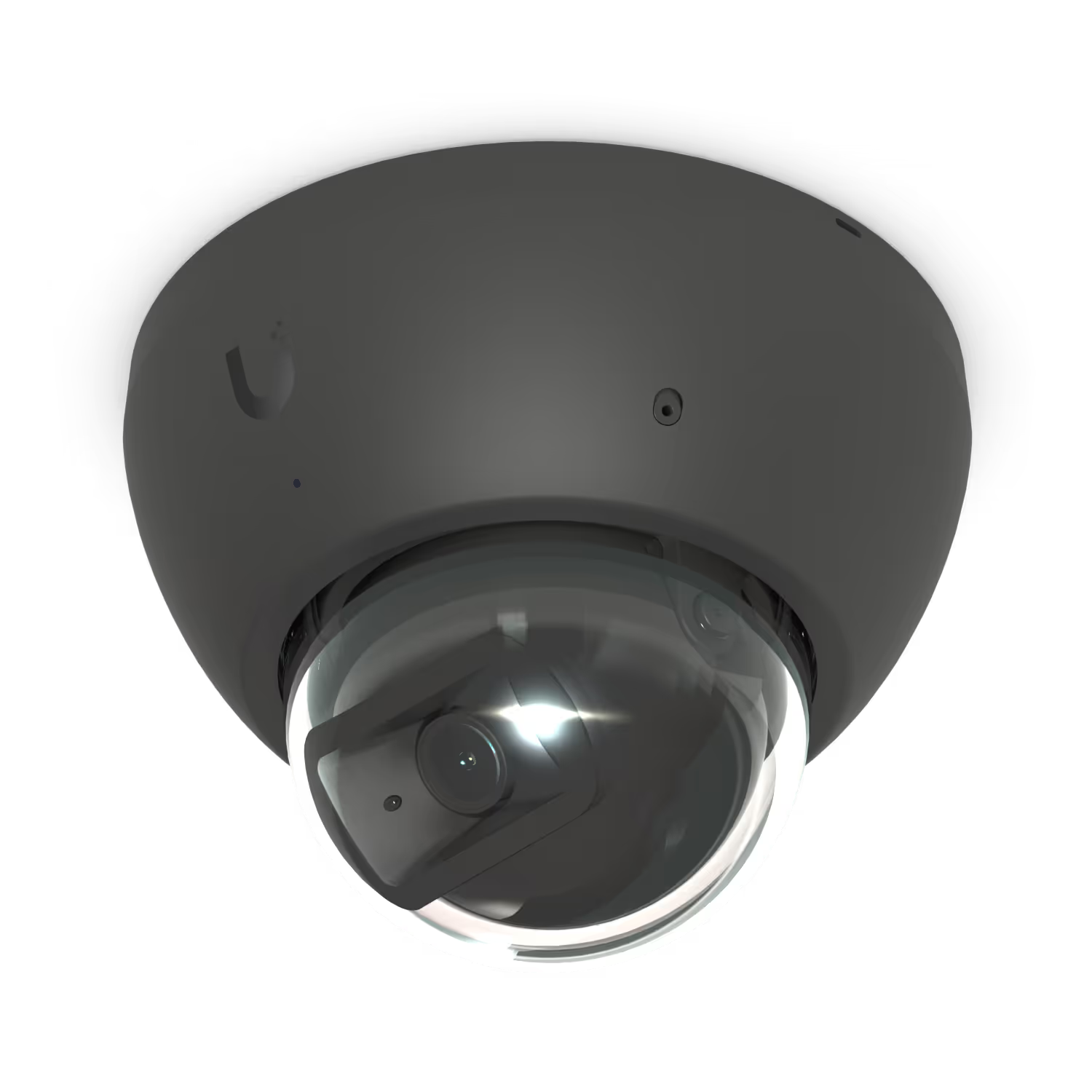
UniFi AI Dome
Outdoor-rated (IP66) with AI detection — built tough to capture clear, reliable footage in any weather.
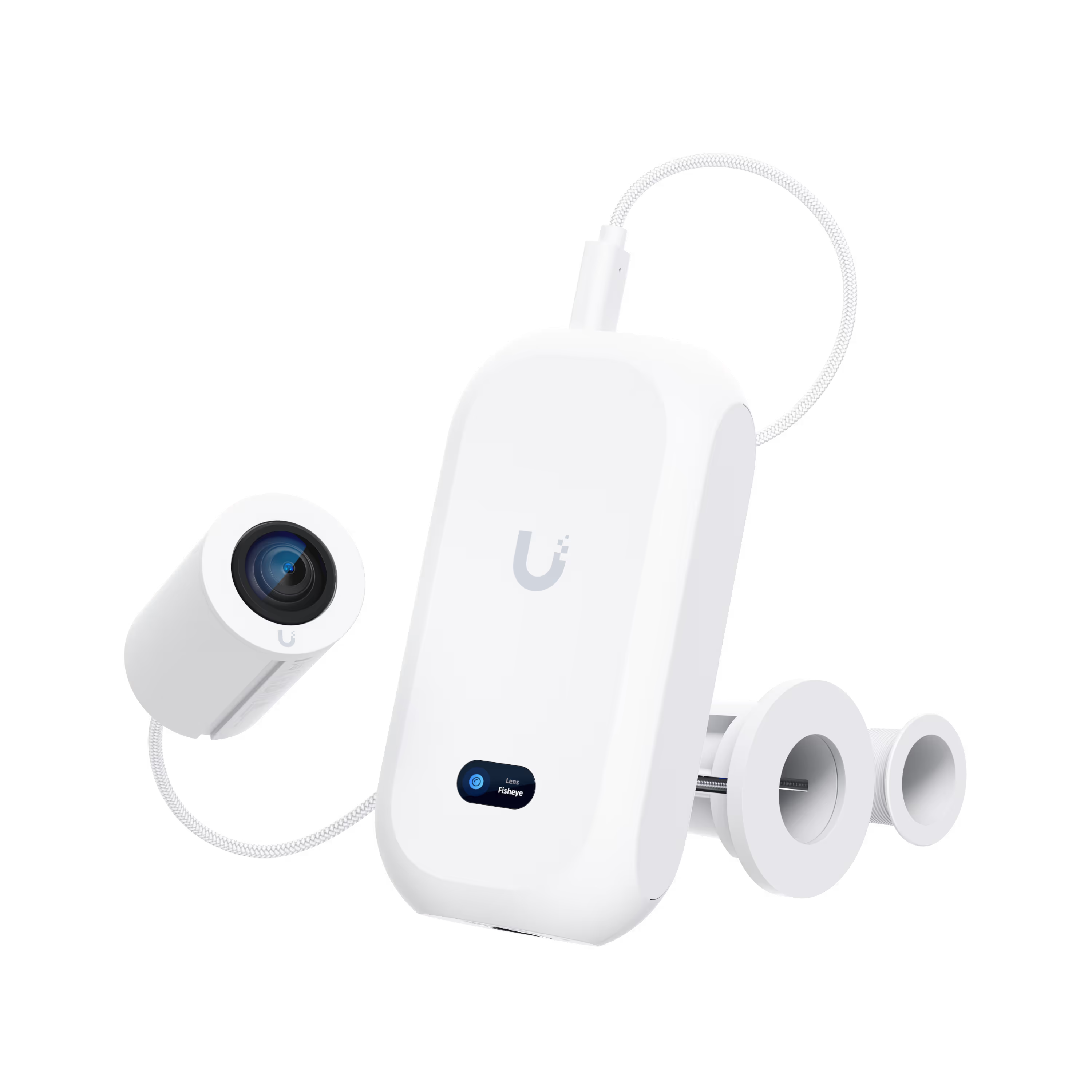
UniFi AI Theta
Discreet, pro-grade video — perfect for offices, lobbies, and client areas where aesthetics matter.
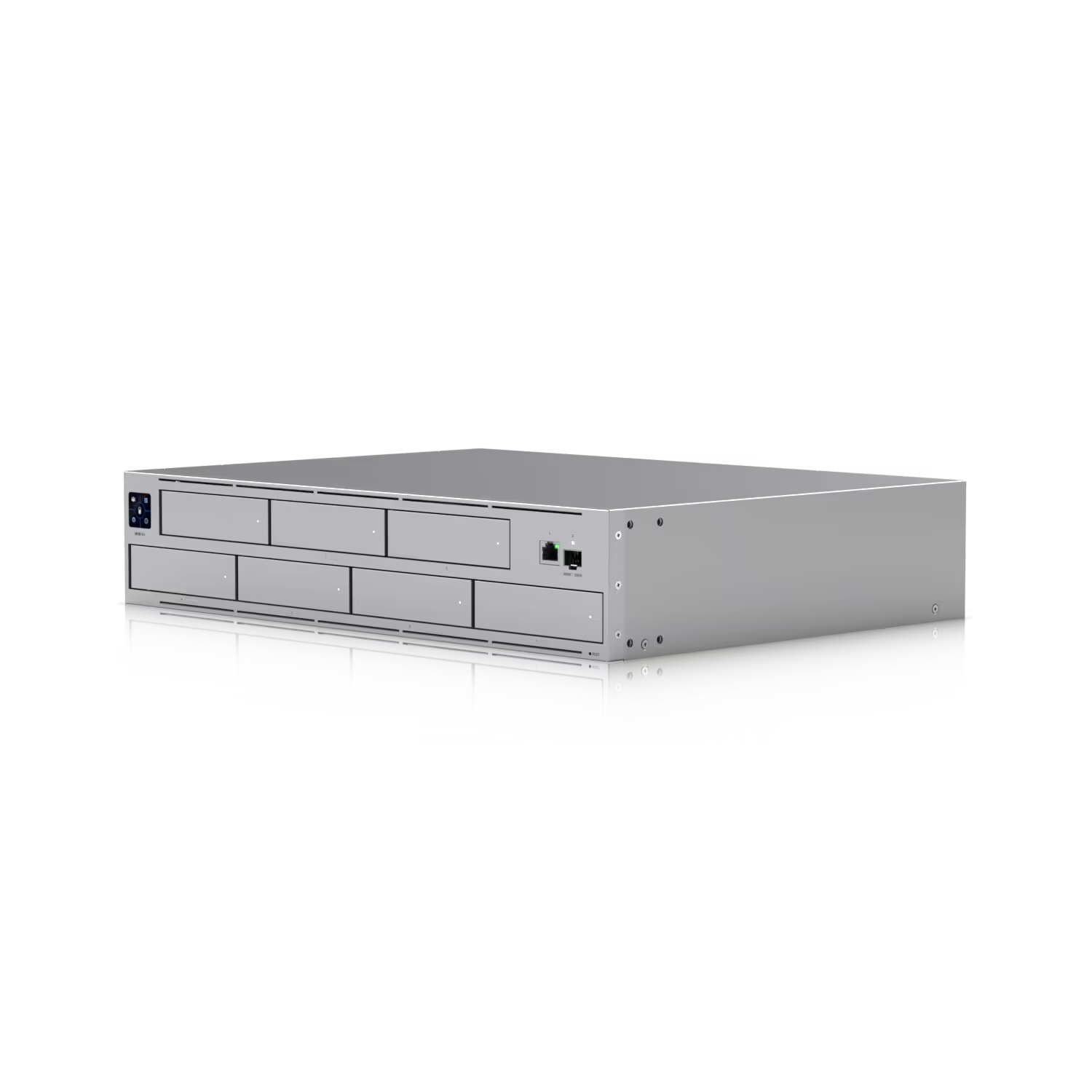
UniFi Network Video Recorder
Business-grade storage with RAID support — built for high-volume footage and long-term retention.
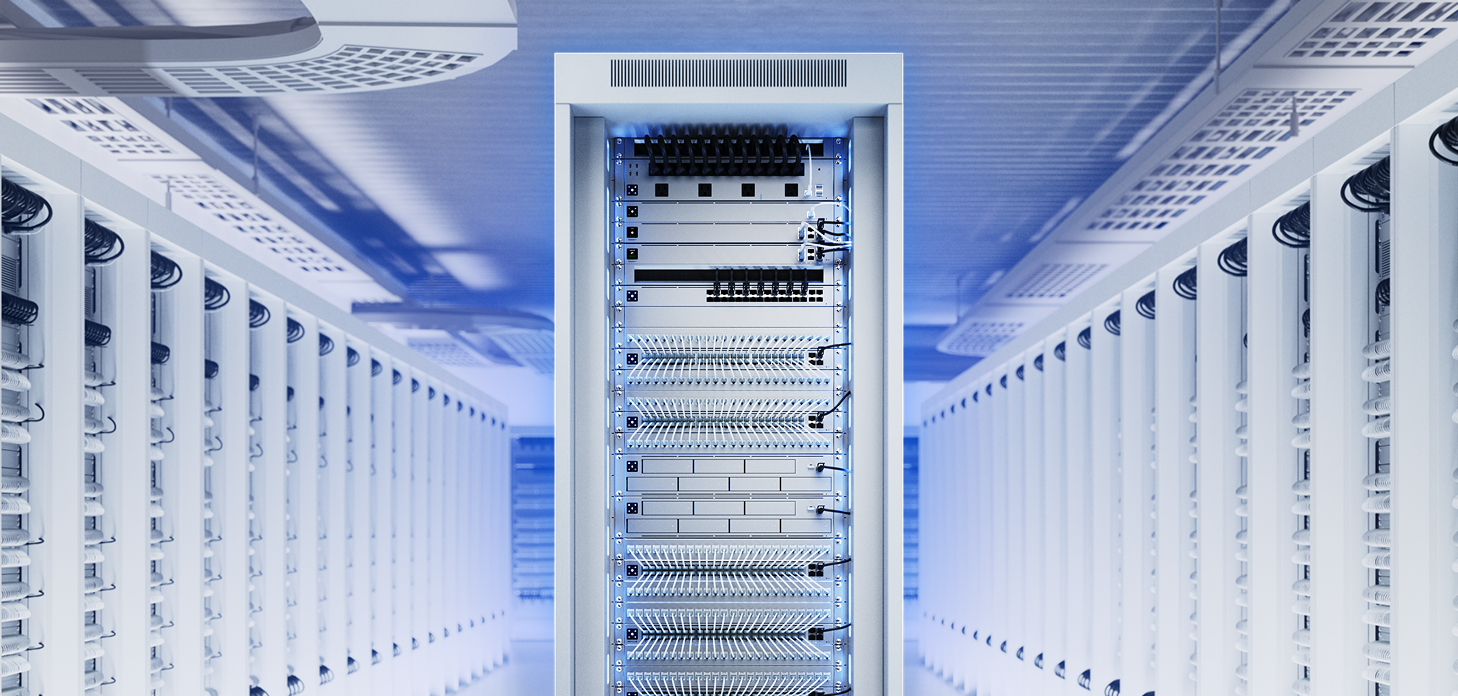
Structured cabling by licensed electricians
Every camera is cabled by our licensed electricians, who are ACMA-registered data cablers.
Cat6 as standard. Shielded Cat6A where long runs sit beside power, as in warehouses, so interference doesn't cause dropouts.
Outdoor runs go in conduit or underground. Underground, we use gel-filled cable, so water can't get in.
Earthed inline surge protectors on long outdoor runs, so a strike near one camera can't take out the switch and everything on it.
Powered entirely over PoE: one cable per camera, and no power point needed where the camera goes.
A PoE budget calculated for every switch, so no camera is left short of power.
A UPS offered with every system. Because every camera draws its power from the switch, one UPS keeps them all recording through an outage.
One login. Total control.
Wi-Fi, VPN, cameras, and doors, all managed from a single platform. Onboard a new staff member in seconds. Offboard them just as fast. Your whole stack, in one app.
One-Click Wi-Fi
Secure Wi-Fi and VPN access in a single tap.
Smart Door Access
Unlock with your phone, card, or Apple Watch.
Live Camera Feeds
See your business from anywhere, on any device.
Simple Onboarding
Add or remove team members in seconds.
Specialists, not generalists
We do one thing exceptionally well. UniFi for Melbourne businesses, end to end. Specialised, local, and built by business owners.
UniFi Specialists
We don't dabble. UniFi is all we install, all we support.
Melbourne Local
Real people, real support. No offshore call centres.
Owner-Led
Built by abusiness owner who got tired of clunky IT.
No Hard Sell
Straight answers, fair quotes, and clean installs.
How we work
Four steps from first call to long-term support.
Site Assessment
We visit your site to assess the space, your existing setup, and how your team works.
Design & Scope
We design the system, specify the hardware, and put together a detailed scope with fixed pricing.
Installation
Cabling, mounting, configuring, and testing. Every device commissioned before we sign off.
Support
Local support whenever you need it. Updates, monitoring, and real people on the phone.
Common questions
Practical answers to the questions we get asked most about UniFi cameras.
No. UniFi cameras are a one-time purchase with no per-camera subscription fees, monthly cloud charges, or licence renewals. You buy the hardware and own it, which makes the long-term cost much lower than most cloud-camera competitors.
Storage duration depends on your camera resolution, recording mode, and storage capacity. A typical UniFi NVR setup can hold weeks to months of footage. We size storage to match your retention needs and any compliance requirements during the design phase.
Yes. UniFi Protect lets you check live feeds and review footage from your phone, tablet, or desktop, anywhere with an internet connection. Access is secure by default, with role-based permissions so you control who sees what.
Yes. UniFi offers IP66-rated outdoor cameras built to handle Australian conditions including rain, dust, and heat. Models like the AI Dome are designed for external mounting and capture clear footage in any weather, day or night.
AI detection identifies people and vehicles in your camera feeds and only alerts you when those things happen. This means fewer false alarms from passing animals, moving leaves, or shadows, and faster review of relevant events. You can search recorded footage by event type rather than scrubbing through hours of video.
Yes. UniFi systems are designed to scale. Add cameras to existing sites or expand to new locations without ripping anything out, and manage them all from the same app. We design every install with future expansion in mind.
Let's get started
Send us a few details about your site and what you're looking to solve and we'll give you a tailored quote
