
Melbourne's CCTV Installation Specialists
UniFi Protect security camera systems installed with the coverage planned, the cabling hidden and every angle checked on screen before we leave. No monthly fees, no blind spots.

Cameras placed where they matter
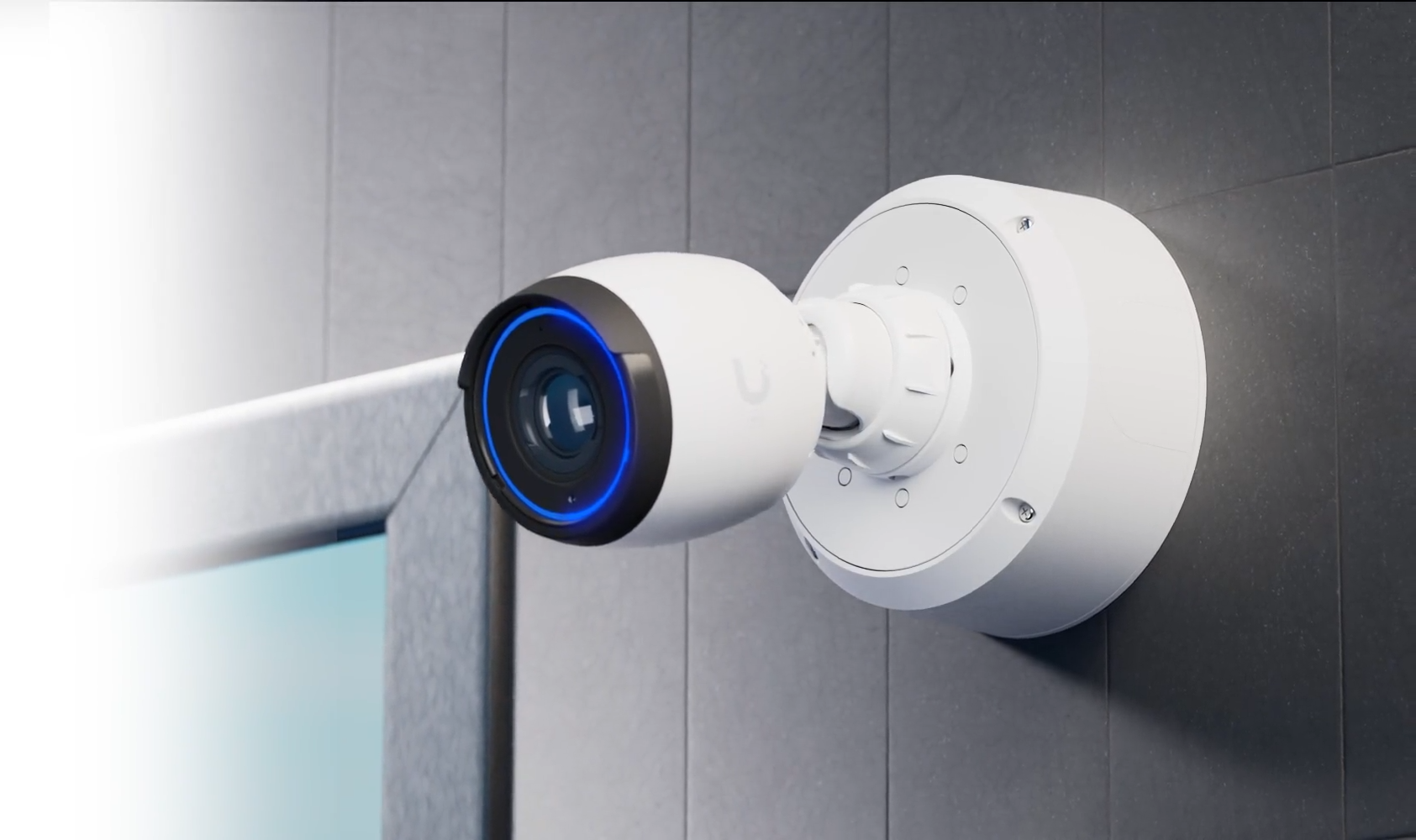
A CCTV installation from Macro State starts with a site assessment to identify suitable camera locations and map out data-cabling requirements. We supply and install UniFi Protect cameras with on-premise NVR recording and no cloud subscriptions.
What a Macro State install looks like
Every job, same standard. No exceptions for size or budget.
Coverage planned, not guessed
Entrances, exits, tills, car parks and blind spots mapped and discussed.
Checked on screen, not from the ladder
Every camera's angle is reviewed with you before we sign off.
Licenced Data-Cable Instalation
Our ACMA licenced technicians run stuctured CAT6 & CAT6A cables.
Clean & Tidy
Boxes, packaging offcuts and dust all go with us. No mess for your team to clean.
Retention that fits
RAID protected storage sized to the retention period you need.
Access configured
Who can watch live, who can review recordings and who gets alerts, configured and documented at handover.

Structured cabling by licensed electricians
Every camera is cabled by our licensed electricians, who are ACMA-registered data cablers.
Cat6 as standard. Shielded Cat6A where long runs sit beside power, as in warehouses, so interference doesn't cause dropouts.
Outdoor runs go in conduit or underground. Underground, we use gel-filled cable, so water can't get in.
Earthed inline surge protectors on long outdoor runs, so a strike near one camera can't take out the switch and everything on it.
Powered entirely over PoE: one cable per camera, and no power point needed where the camera goes.
A PoE budget calculated for every switch, so no camera is left short of power.
A UPS offered with every system. Because every camera draws its power from the switch, one UPS keeps them all recording through an outage.
CCTV installation questions
Straight answers to what Melbourne businesses ask us before a camera install.
It depends on your layout, not your floor area. Most small offices and retail sites need four to eight cameras to cover entries, exits, the till and any stock areas; warehouses and car parks need more. The site survey gives you an exact count and placement, with the reason for every camera.
Yes. UniFi Protect cameras are powered over Ethernet, so each one needs a cable. We route through ceiling cavities and wall spaces wherever possible, keep drilling to a minimum, and agree every penetration with you before we make it. Rendered, heritage or glass walls get discussed at the survey, not on the day.
No. UniFi Protect records to a recorder on your premises, so there's no cloud subscription and no per-camera licence. The only ongoing cost is optional managed support if you want us to monitor and maintain the system.
That's set by storage size and camera count. A typical small site keeps around 30 days at full quality; longer retention just means more storage, which we size at the design stage. Tell us the retention you need and we'll spec for it.
Sometimes. Existing Ethernet cabling can often be reused, which saves real money. Older analogue or coax cameras can't join a UniFi Protect system, so those get replaced. We'll tell you at the survey exactly what's reusable and what isn't.
You decide. We set up individual logins with their own permissions, so a manager can review recordings while a front-desk staff member only sees live feeds. Viewing works from phone or desktop. Access is documented at handover, and we hold no ongoing access unless you take up managed support.
