
Melbourne's Business WiFi Installation Specialists
UniFi WiFi designed from a site survey, not guesswork. Full coverage, no dead spots, no drop-outs when the office fills up. Installed cleanly by a local specialist team.

WiFi that covers the whole building, not just the front desk
A business WiFi installation from Macro State begins with a heat-map survey of your premises to find where signal dies, where walls and racking block coverage, and how many people and devices each area needs to support at its busiest. We then design the access point layout, run structured cabling to each location, install and mount UniFi access points, and tune the network so it stays fast at peak. Separate guest and staff networks come standard. You get WiFi that works in every room, every day, on a system you own.
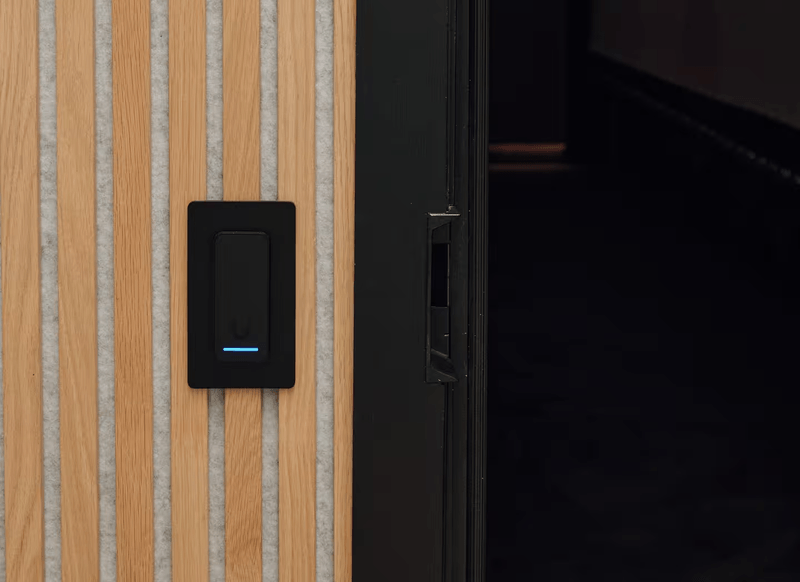
What a Macro State WiFi install looks like
Every job, same standard. No exceptions for size or budget.
Surveyed before designed
A heat-map survey puts access points where coverage is needed, not where the last installer left a cable.
Built for busy, not just empty
Designed for the number of people and devices in each area at peak, so it doesn't crawl at 10am.
Cabled, not daisy-chained
Every access point on its own cable run. No mesh hops or plug-in extenders hiding in the ceiling.
Clean & Tidy
Boxes, packaging, offcuts and dust all go with us. You walk into a clean space, not a clean-up job.
Tested where you work
Speed and signal checked at desks, meeting rooms and back-of-house before we sign off, not just next to the access point.
Guest and staff kept separate
Visitor WiFi isolated from your business systems from day one, with a branded login page if you want one.
Business WiFi installation questions
Straight answers to what Melbourne businesses ask us before a WiFi install.
Almost always one of three things: access points in the wrong place, too few of them for the number of devices, or consumer-grade gear that was never meant for an office. The survey shows which one you've got, and usually it's more than one.
It depends on floor plan, wall construction and how many devices are in each area, not just square metres. A small open-plan office is often two to four; a warehouse with steel racking is a different design entirely. The survey gives you an exact count with the reasoning.
Barely. We cable and mount the new access points while your existing WiFi keeps running, then switch over in a quiet window or after hours. The changeover itself is usually under an hour.
Yes. Outdoor-rated access points and directional antennas handle yards, loading docks and car parks. Warehouses get a design that accounts for racking and stock levels, because a warehouse full of pallets behaves very differently from an empty one.
Yes. Guest traffic runs on its own isolated network with no path to your servers, printers or point of sale. We can add a branded login page and bandwidth limits so visitors never slow down your staff.
Only where the existing runs don't reach or fail testing. We test every run at the survey. Cat5e handles most access points fine; we recommend Cat6 for new runs and high-density areas. You only pay for cabling that's actually needed.
