
- Remove the current class from the content27_link item as Webflows native current state will automatically be applied.
- To add interactions which automatically expand and collapse sections in the table of contents select the content27_h-trigger element, add an element trigger and select Mouse click (tap)
- For the 1st click select the custom animation Content 27 table of contents [Expand] and for the 2nd click select the custom animation Content 27 table of contents [Collapse].
- In the Trigger Settings, deselect all checkboxes other than Desktop and above. This disables the interaction on tablet and below to prevent bugs when scrolling.
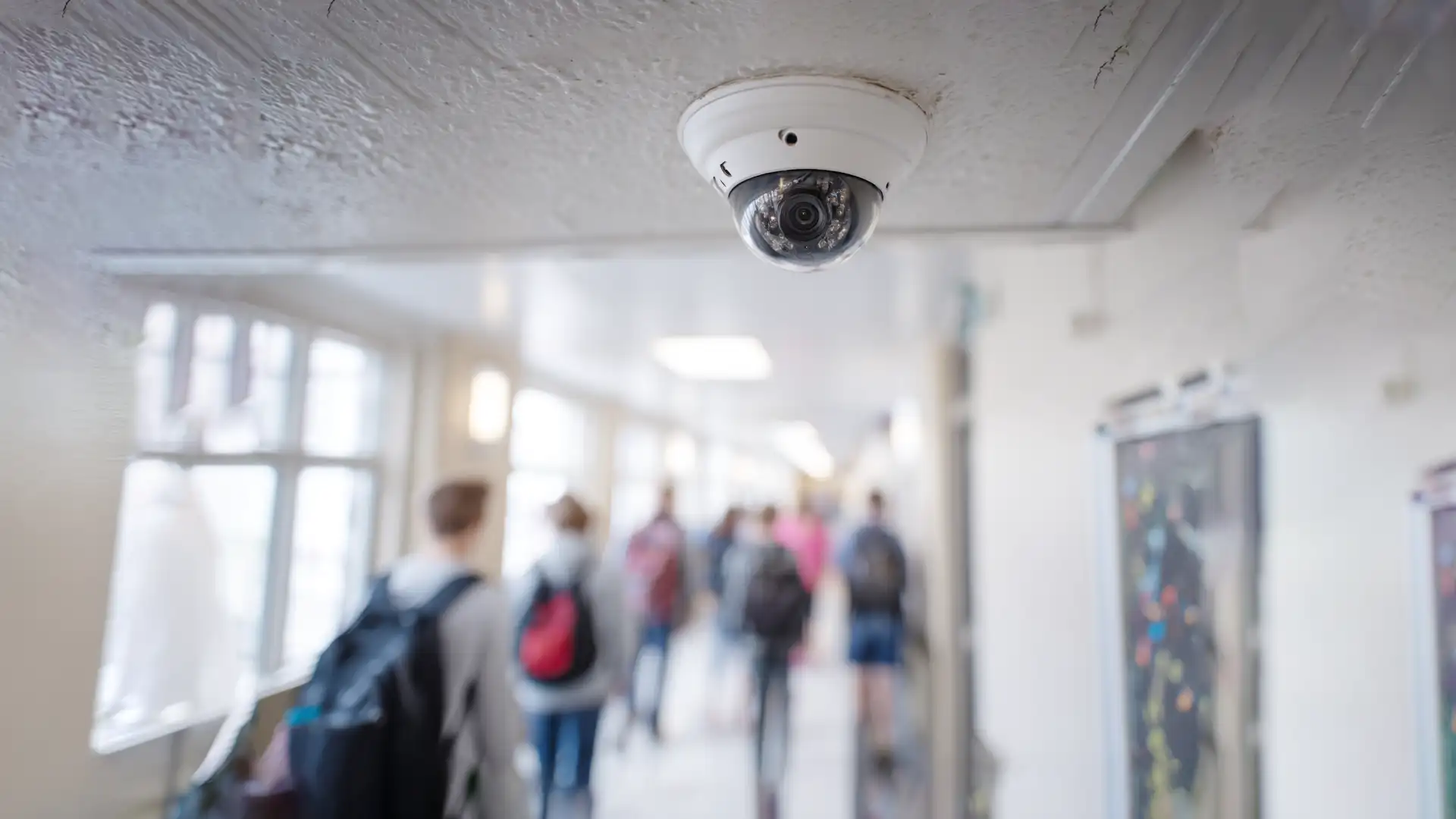
Most School Camera Systems Create More Problems Than They Solve
Security cameras are supposed to give you peace of mind. For many schools, they do the opposite.
Complicated software. Annual licence renewals. And systems nobody on your team really knows how to use.
If you're a principal or business manager looking to upgrade or extend your school's camera setup, you've likely already run into this. It shouldn't be this hard.
There's a better approach — and it's already being used by schools across Melbourne.
Why the Wrong System Costs More Than You Think
Choosing the wrong camera platform isn't just a technology problem — it's a budget problem.
Many enterprise camera systems charge per-camera licence fees every year. Add 20 cameras today and you're paying for those licences indefinitely. Scale to 40 cameras as your school grows, and the cost doubles — before you've spent a cent on new hardware.
Then there's the management burden. If your system requires a specialist to pull footage, add a camera, or change access permissions, you're permanently dependent on external support.
For Melbourne schools managing tight budgets and lean admin teams, this model doesn't hold up over time.
The Case for UniFi in Schools
UniFi, made by Ubiquiti, has become one of the most widely deployed camera systems in education environments — and for good reason.
It's built around principles that matter most to schools:
- No software licence fees — ever
- Centralised management from a single dashboard
- Built-in incident management via the Case Manager
- Access from anywhere — browser or native mobile app
- Complete privacy — all footage stored locally, on your premises
- Seamless scalability as your campus grows
- Multi-campus visibility through UniFi Vantage
This isn't a compromised system. UniFi cameras deliver high-resolution footage, smart motion detection, and flexible local storage — all without the ongoing cost overhead of traditional enterprise platforms.

What Makes UniFi the Right Fit
No Licence Fees — Full Stop
UniFi Protect, the camera management software, is included with the hardware. You buy the cameras, you buy the Network Video Recorder (NVR), and that's it.
No annual renewals. No per-seat fees. No surprises when you add more cameras next year.
For schools planning across 5- to 10-year capital cycles, this matters. You can model the full cost upfront — and it holds.
One Dashboard for Your Whole Campus
UniFi Protect gives your admin team or IT coordinator a single interface to manage every camera on site.
Pull up live footage. Review a recorded incident. Adjust motion sensitivity. Grant a staff member temporary access. It all happens in the same place — from a browser or the mobile app.
You don't need a specialist on-site. You don't need to call your vendor for basic changes. Your team can handle it themselves, after a short onboarding session.
Manage Incidents with the Built-In Case Manager
When something happens on campus, you need to act quickly. UniFi Protect includes a built-in Case Manager that lets your team create, organise, and track incidents directly within the platform.
Clip the relevant footage, attach it to a case, add notes, and keep a clear record — all without downloading files or switching between systems. It's the kind of feature most platforms charge extra for. With UniFi, it's included.
Access from Anywhere — Browser or Mobile App
UniFi Protect isn't locked to a single workstation. Your admin team can access the full system from any browser, and native iOS and Android apps give you the same experience on a phone or tablet.
Whether your principal needs to review footage from home after an incident, or your facilities manager wants to check the carpark from the oval, the system goes wherever your staff are.
Built to Scale as You Grow
One of UniFi's most practical advantages for schools is how easily it scales.
Start with 8 cameras in your main building. Add 12 more when a new wing opens. Expand to portable classrooms or a second campus — the system grows with you without requiring a platform migration, new software agreements, or additional licences.
Each camera connects to the same NVR or Cloud Key. The dashboard just gets more cameras in it. That's it.
For growing schools in Melbourne — particularly those expanding facilities or managing multiple sites — this is the architecture that makes long-term sense.
How It Works in Practice
Primary and Secondary Schools
A typical school deployment might cover:
- Entry and exit points
- Carpark and drop-off zones
- Corridors and common areas
- Administration offices and server rooms
Privacy and Data Sovereignty
All footage is stored locally on your NVR — on your premises, under your control.
There's no mandatory cloud upload. No footage leaving your school's network. No third-party platform holding your students' and staff's data.
This matters more than many schools realise. Privacy obligations in education are significant, and a system where footage stays local simplifies your compliance position considerably.
Access is role-restricted, so only authorised staff can view recordings or manage the system.
Growing Campuses
If your school is adding buildings or portable classrooms, UniFi's architecture means you extend the camera network without replacing anything. New cameras plug into the same system.
Multi-Campus Operations with UniFi Vantage
For schools operating across two or more sites, UniFi offers Vantage — a purpose-built platform that brings camera feeds from multiple campuses into a single, unified dashboard.
Your leadership team gets one view across all sites. No jumping between systems. No separate logins. No additional per-site licences.
Vantage is designed specifically for multi-location operators — schools that are growing, federating, or managing satellite campuses. It's a genuinely differentiating feature, and like everything else in the UniFi ecosystem, there are no licence fees.
One Thing Worth Knowing
UniFi is a capable system, but initial setup matters. Camera placement, network configuration, and storage sizing all affect long-term performance.
Getting this right at installation means fewer issues down the track. It's worth a proper deployment rather than a rushed one — especially when the system will be in place for years.
Once it's set up correctly, it largely runs itself. That's the goal.
Is UniFi the Right Fit for Your School?
If you're looking for a camera system that:
- Won't lock you into annual licence fees
- Can be managed by your existing staff, from any device
- Includes built-in incident management via the Case Manager
- Keeps all footage on your premises — no cloud required
- Supports multiple campuses through UniFi Vantage
- Scales as your enrolments and facilities grow
…then UniFi is worth a serious look.
It's not the cheapest option upfront, but across a 5- to 10-year horizon it consistently outperforms alternatives on total cost of ownership — particularly for schools that plan to expand.
MacroState installs and supports UniFi systems for schools across Melbourne. If you'd like to understand what a setup would look like for your campus, we're happy to walk you through it.
Let's get started
Send us a few details about your site and what you're looking to solve and we'll give you a tailored quote
